
MISAll · DOC-035 · Items, stores and customer data
Create and verify a promotion
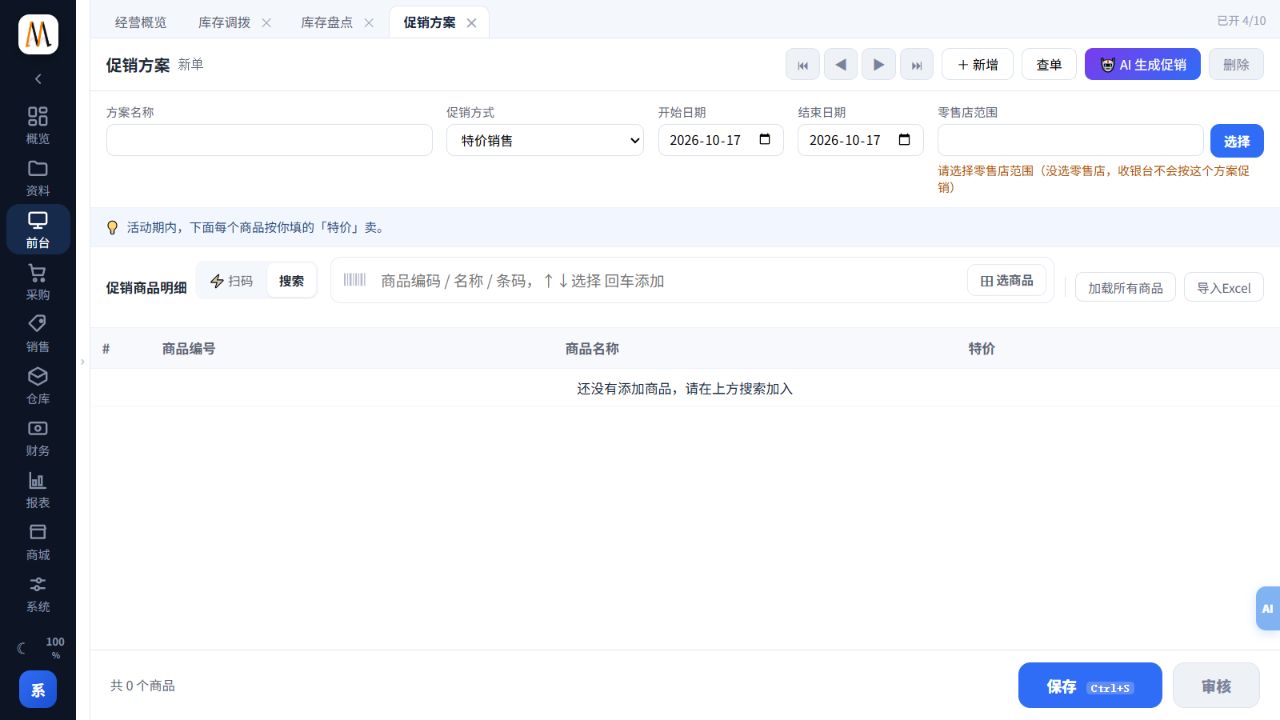
A promotion needs a method, validity period, store scope and products. Saving a draft does not establish that it is active.
Steps
- Add a scheme under the POS promotion menu and choose the required special-price, discount, gift or threshold method.
- Set the dates and explicitly select the retail stores. Without a store scope the till will not apply the scheme.
- Add goods and enter the fields appropriate to that method. Distinguish percentages, prices and quantity thresholds.
- Save and approve as required, then test eligible, ineligible and boundary-quantity baskets at the intended store.
- Review dates and resulting sales. Treat AI-generated schemes as drafts requiring the same checks.
Check the result
Only qualifying products and quantities in the intended stores receive the expected benefit.
Notes and troubleshooting
The old product promotion tab is hidden; that does not mean existing POS promotion logic or data has been removed.
