
MISAll Back Office — Complete User Manual · MISAll Business Manager (Enhanced Edition) — Complete User Manual
MISAll · DOC-031 · Items, stores and customer data
Multiple units, case conversions and tier prices
Distinguish the document unit from the base stock unit. If one case contains 24 bottles, two cases represent 48 bottles.
Steps
- Enable multiple units and set bottle as the base unit. For a simple case/bottle structure, leave the intermediate unit empty and set case with conversion 24.
- Maintain the case barcode and prices. POS member case prices require their own verification.
- Select the document unit, enter two cases and verify base quantity 48 and the price for that selected unit.
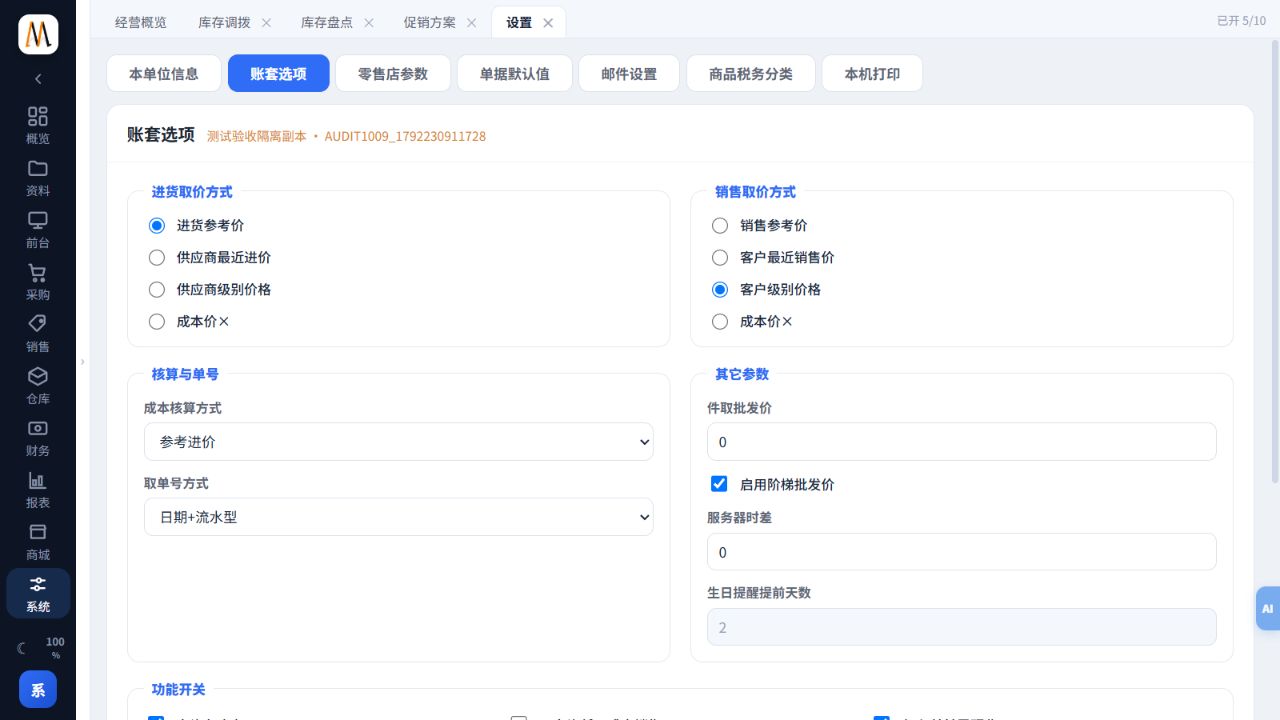
- For wholesale pricing, check customer price level, quantity threshold and tier rules. Test quantities just below and above a threshold.
- Save and reopen to verify the original unit, conversion and amount before approval.
Check the result
Document, stock and printed units are consistent; scanning a case does not reduce stock by one bottle.
Notes and troubleshooting
Quantity column names vary by document. Cost adjustment is not a normal quantity-selling workflow.
