
MISAll Back Office — Complete User Manual · MISAll Business Manager (Enhanced Edition) — Complete User Manual
MISAll · DOC-045 · Inventory and stocktaking
Check stock and trace movements
Current Stock answers how much is available now; movement reports explain how it changed. Use the same warehouse, item and unit when reconciling.
Steps
- Open Warehouse → Current Stock and filter warehouse and item code, barcode or name.
- Check unit, quantity and value. Distinguish base quantities from packaging quantities where multiple units are enabled.
- Use movement or document reports with a defined date range to inspect opening balance, receipts, issues and closing balance.
- Open contributing documents and check approval, return direction and any POS source.
- Reconcile opening plus receipts minus issues, including transfers, stocktakes and losses rather than purchases and sales alone.
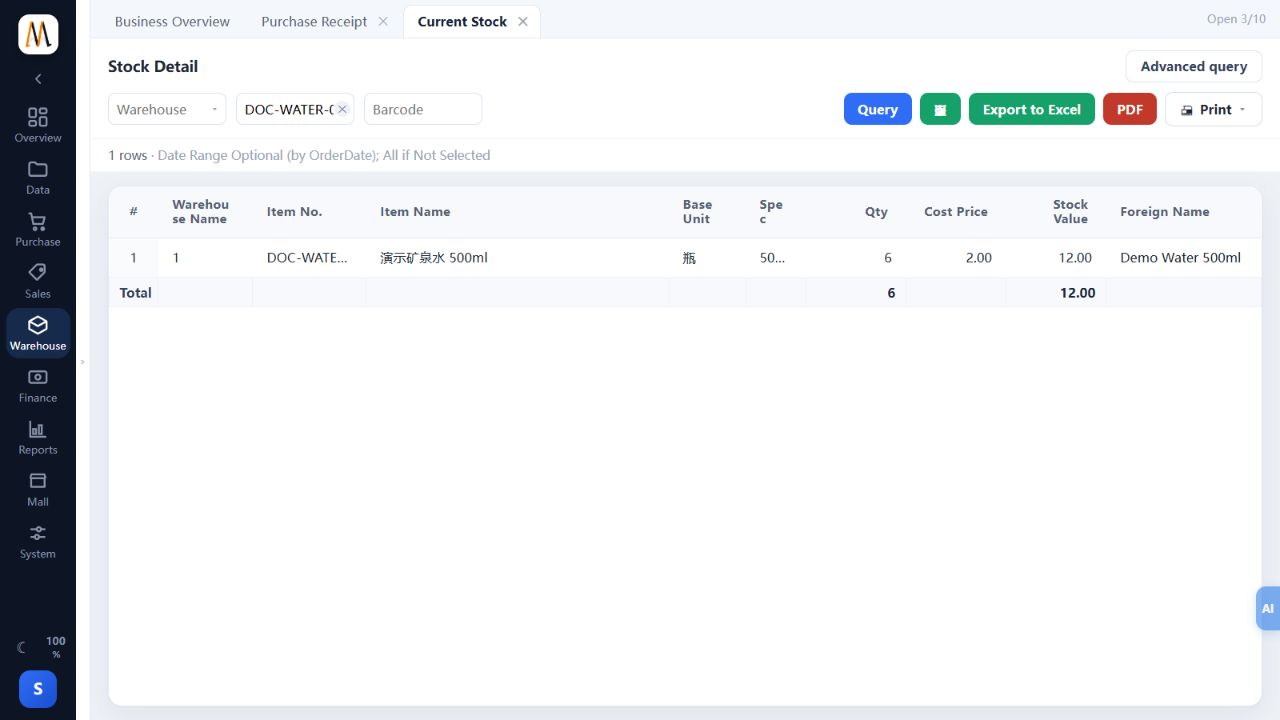
Check the result
Original business records explain current quantities within the same scope.
Notes and troubleshooting
Masked cost/profit fields can indicate permission limits; they do not mean zero.
